

Detailed map
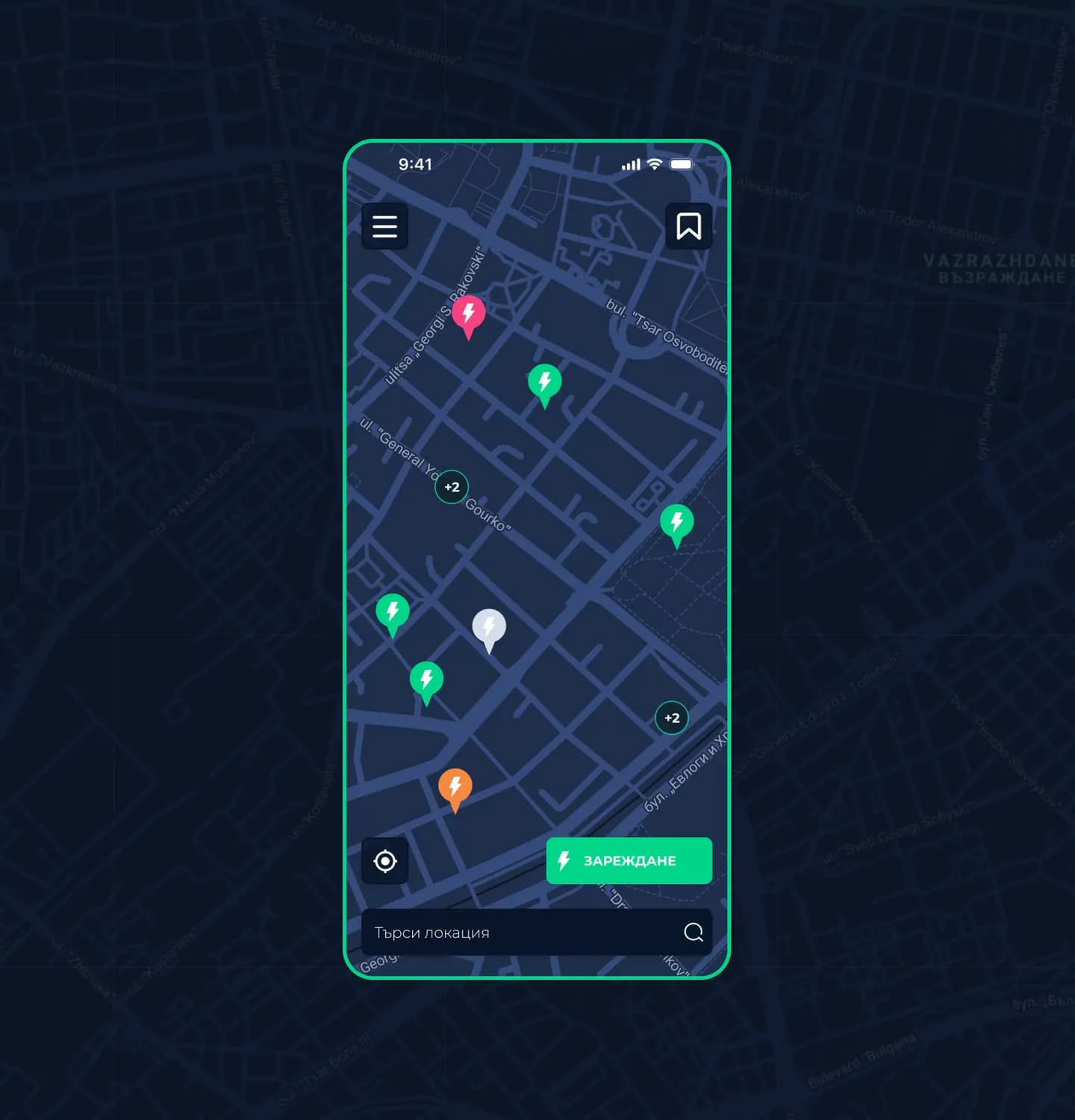
See in real time which station is closest, whether it's free and whether it's working.
Find a free station, reserve an outlet, charge and pay – right from your phone. Free for iOS and Android.


See in real time which station is closest, whether it's free and whether it's working.
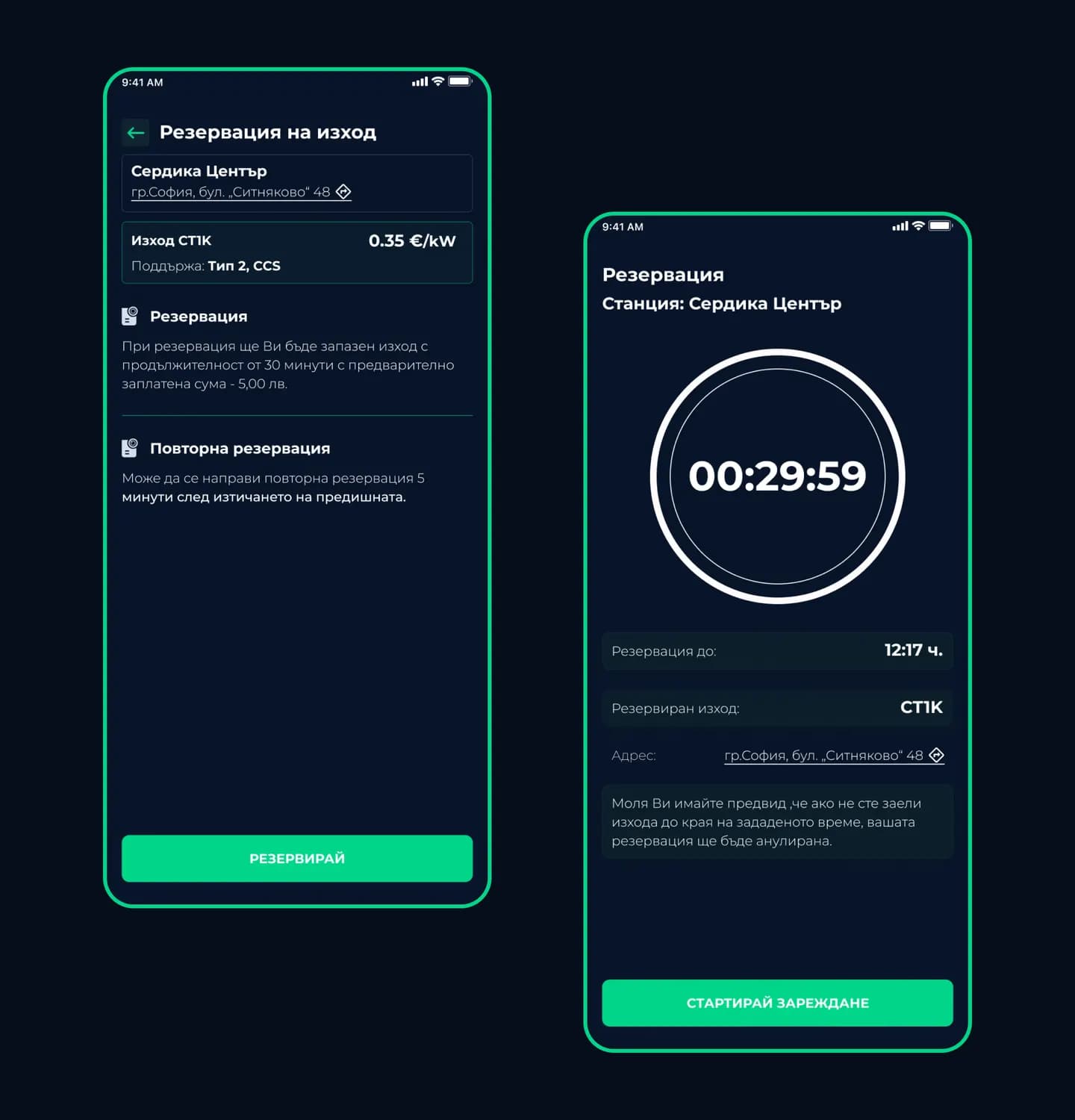
Hold the outlet you've chosen for 30 minutes while you drive to the station.
Choose your settings, start charging and follow it live.
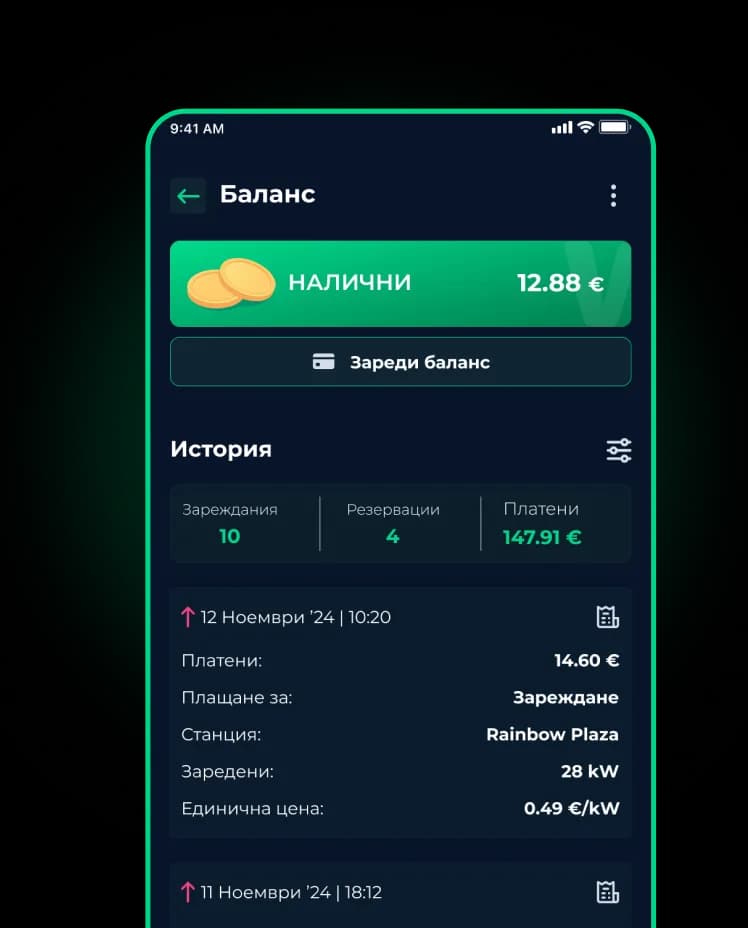
Top up your balance by card and manage your saved payment methods.
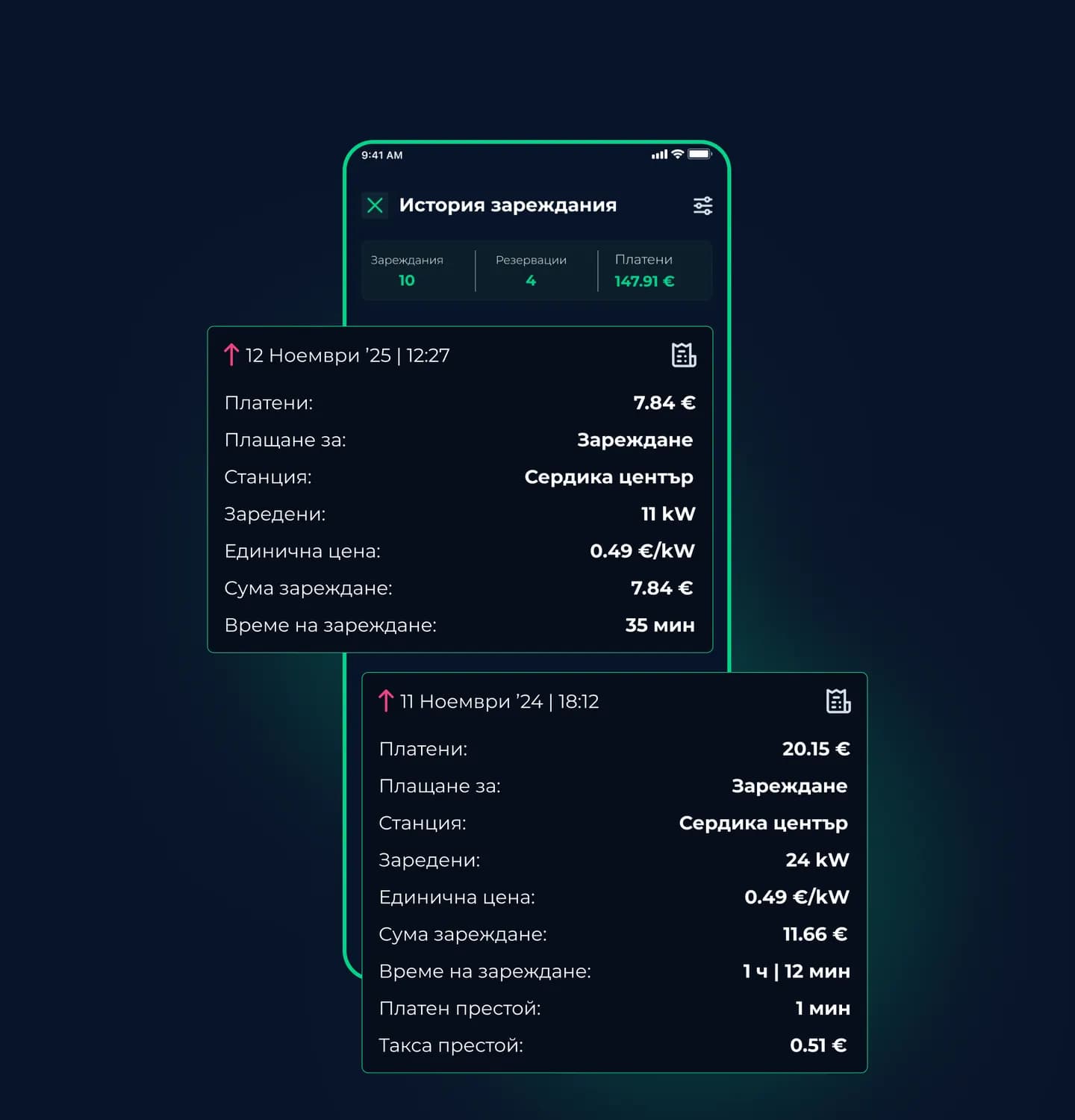
Every charge in detail – station, energy, amount – with an invoice to download.
Chat directly with the WINK team if you have a question or a technical issue.
The WINK CHARGING™ map shows every station around you in real time.
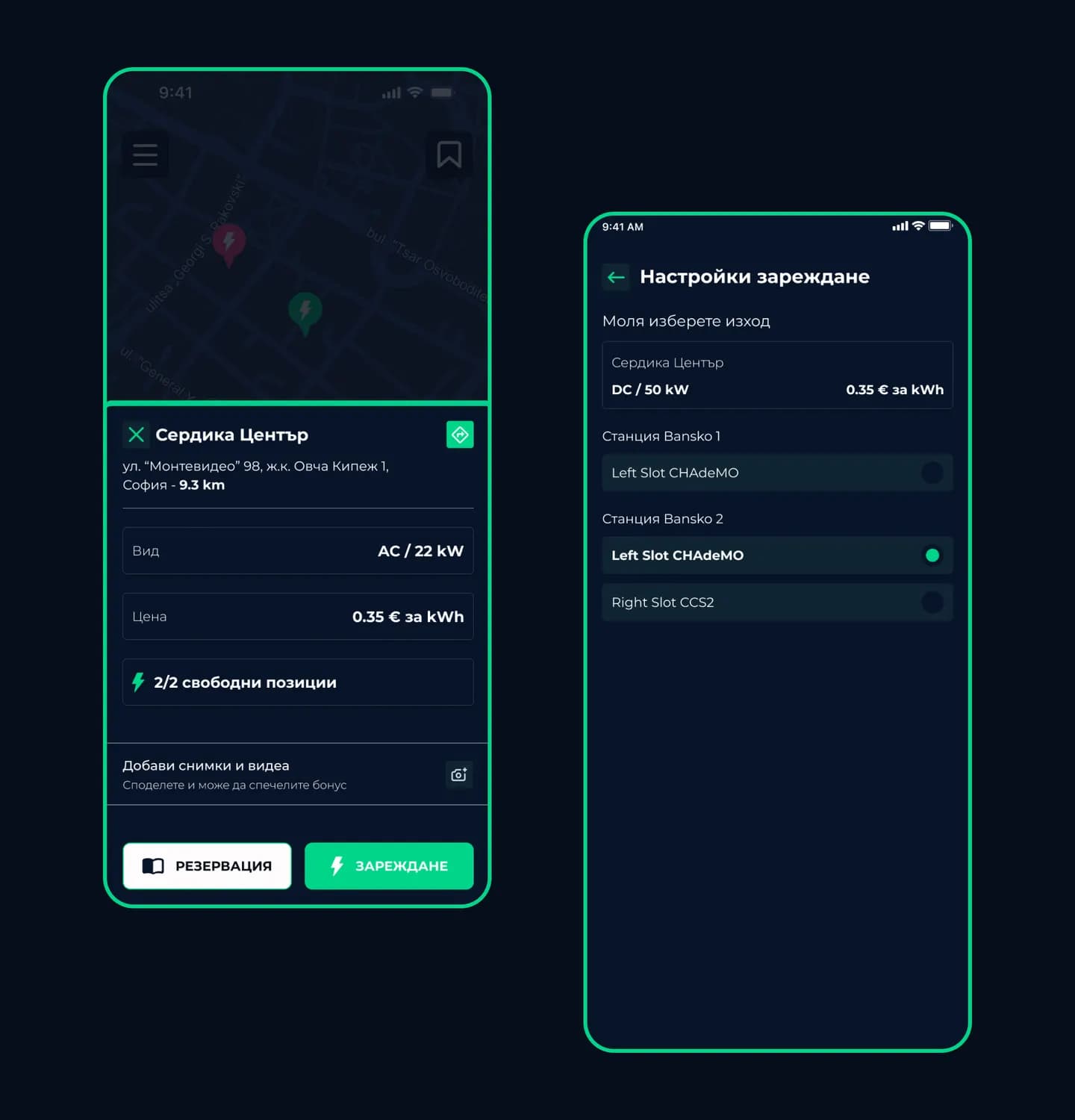
Pick the location and the charging type – AC or DC.
Choose your settings and follow the charge in real time.
When the battery is charged, the app lets you know and you pay from your balance.
See which outlets are free and pick the one you need.
The outlet is held for you for 30 minutes.
You can reserve again 5 minutes after the previous reservation expires.
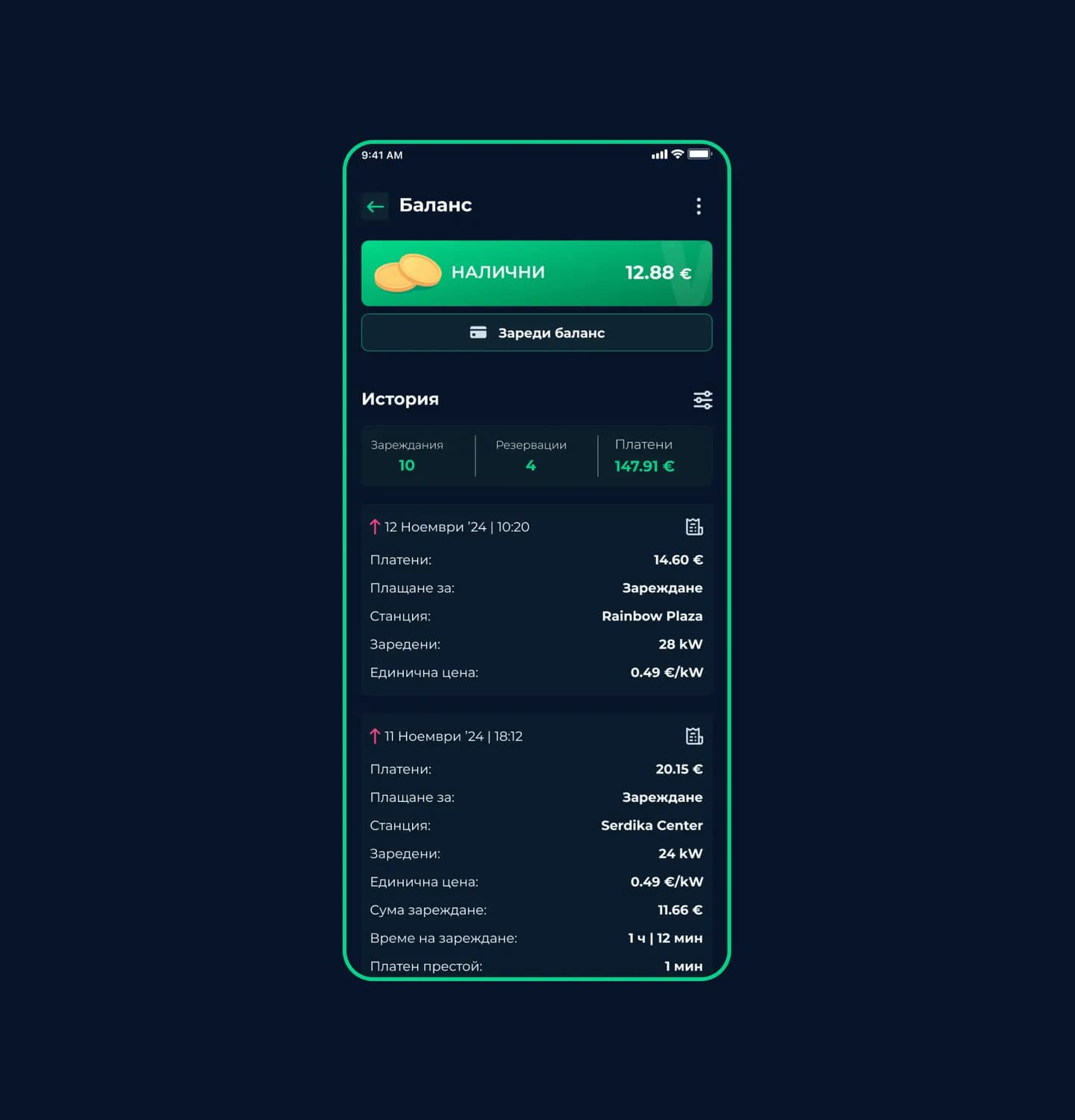
Pay easily with a built-in balance that you top up by card or with Apple Pay / Google Pay.
Quick top-up amounts
Open the details of any charge, anywhere, at any time.
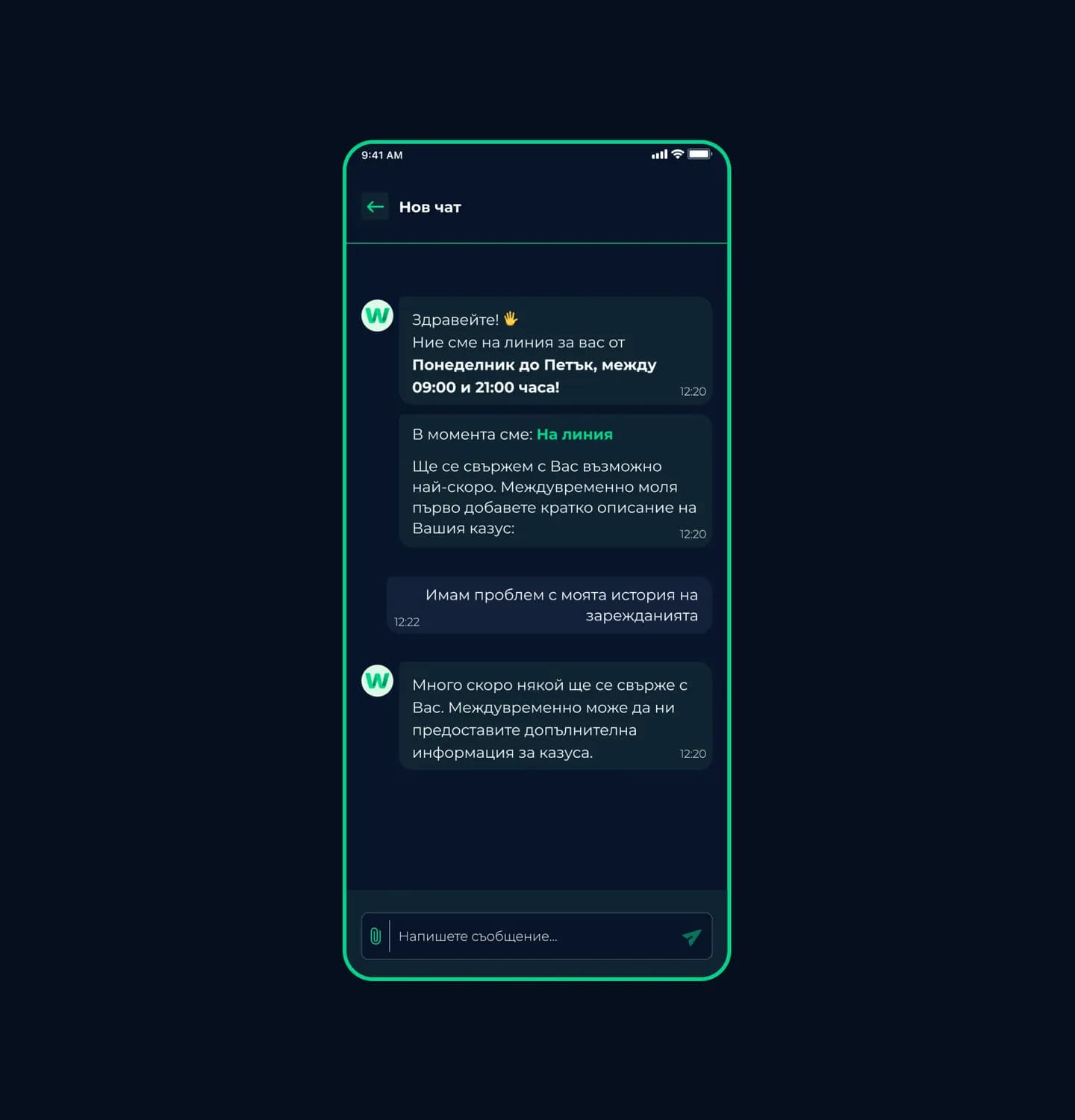
If you have a technical issue or a question, message the WINK CHARGING™ team directly from the in-app chat.
Online: Monday – Friday, 09:00 – 21:00
Everything for charging your EV – in one place, in your pocket.
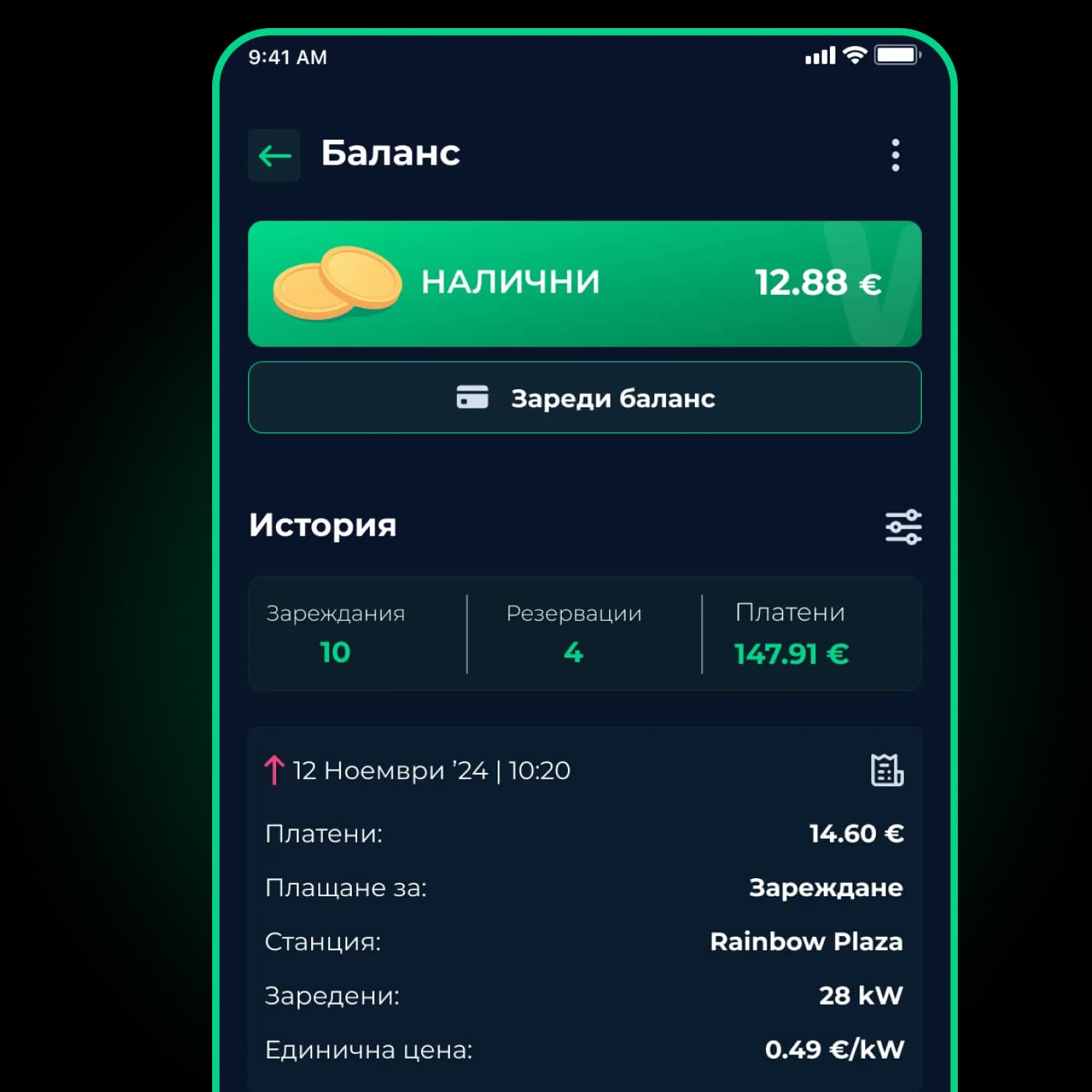
Registration, balance, reservations and support.
Download the WINK CHARGING™ app from the App Store or Google Play and follow the registration steps.
On the Balance screen, pick a quick amount or enter your own and pay by bank card, Apple Pay or Google Pay. Top-ups of €50 and €100 come with a bonus.
Choose a station and a free outlet and confirm the reservation. It costs €2.56 from your balance, and the outlet is held for you for 30 minutes.
Yes. You can withdraw your available balance from the app at any time.
Yes. Download the invoice for any charge in one tap from your charging history.
Message us from the in-app chat – we're online Monday to Friday, 09:00 – 21:00.


 Online: Monday – Friday, 09:00 – 21:00
